
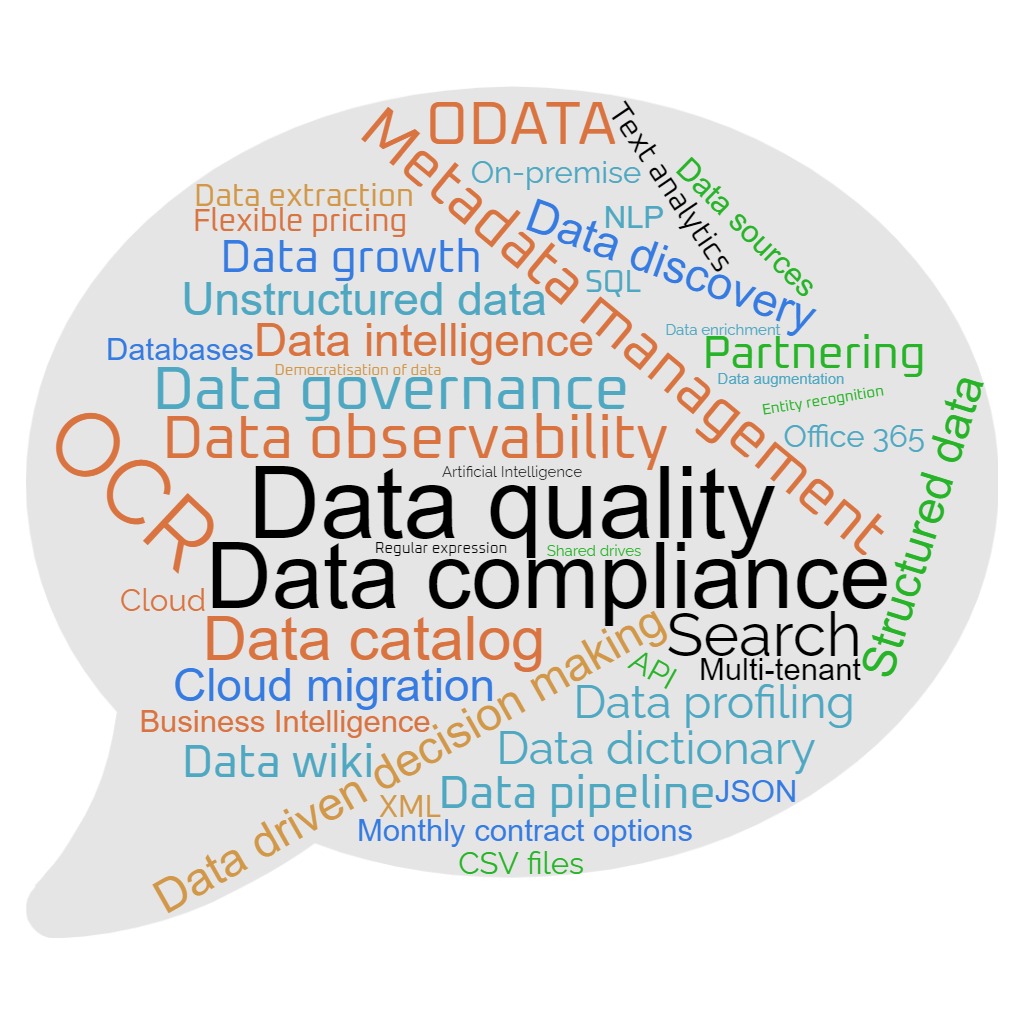
The versatility of infoboss software extends across various industries and client needs, showcasing its efficacy in optimising data management processes. Here are a few examples of use.
1. Improve the quality of customer data
Client: Social Housing Provider
- Ingest data from housing management system and CRM system
- Using application database adapters built into the software
- Ensure data integrity between systems. i.e. common data held in both systems is the same
- Using the lookup feature across data sets
- Ensure data is correct in each system
- Using the validation and query rules functionality
- Catalog and align the definition of fields used in both systems
- Using the Data wiki
- Track progress of issue resolution within acceptable business tolerance levels
- Using the dashboards and charting capabilities to track query and project performance trends
2. Migrate and enhance contract data from OpenText to SharePoint
Client: FTSE 100 company
- Ingest contracts and meta-data from OpenText cloud document store
- Using built in OpenText API interface within the software
- Ensure data integrity of OpenText data
- Using the validation and query rules functionality
- Provide clean data to SharePoint ingestion tool
- Using the export functionality within the software
- OCR contracts to provide searchable text repository
- Using built in OCR functionality and powerful search features
3. Migrate data from legacy to new case management system
Client: Local Council
- Ingest data from source application database
- Using built in database adapters within the software
- Ensure data integrity of data in the context of the target
- Using the validation and query rules functionality developed a set of rules to identify issues in the source data that would impact the target system’s ability to process it
- Improve the quality of data in the source
- Used the automated load and monitoring of these rules over a period of time such that the data quality was corrected at source ahead of the migration
- Provide clean data to the new system data ingestion tool
- Using built in data export functionality able to process millions of records in a timely manner
4. Provide data processing middleware for customer portal
Client: FTSE 100 company
- Ingest data from case management system
- Using built in database adapters
- Ensure data integrity of the data
- Using the validation and query rules functionality
- Provide highly performant & secure API interface to customer web portal
- Using the ODATA API interface and built in search engine features
5. Improve the quality of property (asset) data
Client: Social Housing Provider
- Ingest data from housing management system and Asset management system
- Using application database adapters built into the software
- Ensure data integrity between systems. i.e. common data held in both systems is the same
- Using the lookup feature across data sets
- Ensure data is correct in each system
- Using the validation and query rules functionality
- Catalog and align the definition of fields used in both systems
- Using the Data wiki
- Track progress of issue resolution within acceptable business tolerance levels
- Using the dashboards and charting capabilities to track query and project performance trends
6. Ensure gas safety compliance
Client: Social Housing Provider
- Ingest data from housing management system and Asset management systems
- Using application database adapters built into the software
- Ingest data from gas safety compliance system
- Using application database adapters built into the software
- Ensure all properties that have “gas” feeds or appliances are correctly recorded in the gas safety compliance system
- Using the validation and query rules functionality and lookups features across data sets
- Automate the monitoring of any anomalies
- Using the automated rule checking and alerting features
- Track progress of issue resolution within acceptable business tolerance levels
- Using the dashboards and charting capabilities to track query and project performance trends
7. GDPR data breach – leaked data analysis for PII
Client: Service provider
- Ingest emails from Office 365 email mailboxes
- Using application Microsoft Graph API adapters built into the software
- Identify affected emails that contain PII
- Using data extraction and pattern identification for PII items such as NI numbers, bank sort codes, payment cards, email addresses, first names, phone numbers and known lists of employees and suppliers
8. Migrate files from shared drive to Office 365 tenant
Client: Multiple clients
- Ingest meta-data from files in shared drive
- Using built in file processing adaptors within the software
- Identify duplicate, redundant, obsolete or trivial (DROT) files
- Using the meta-data extracted provide a fast way of analysing the entire file/document set to understand the data to be migrated and identify quick wins to reduce transfer of DROT.
- Extract text from selected files for further analysis
- Using built in text extraction tools built a searchable repository of files requiring more detailed analysis. For example, files containing PII or other data deemed to be confidential and should not be stored in the target.
- Provide lists of files to be migrated to the target ingestion tool
- Using built in data export functionality
9. Automate processing of inbound call centre communications
Client: Insurance claim handler
- Ingest emails from customer service mailboxes, scanned correspondence files and customer databases
- Using built in Office 365 Microsoft Graph API, file processing and OCR features and within the software
- Identify claim, policy, sender and other data to feed workflow engine
- Using the text data extracted use meta-data extraction to derive key data items required by the workflow engine
- Enhance the data using lookups on customer claim and policy systems
- Provide interface to workflow engine
- Using built in ODATA API provide interface to workflow engine with either full or partially completed data required to complete the process.
- Previously the process would be heavily labour intensive involving claim handlers processing the post each day ready for the feed into the workflow engine
Discover how infoboss can unlock the huge potential of data management. Maximising its value and driving your business forward.
Sample data assessment.
infoboss can undertake a data assessment to determine the impact of data quality issues on your operations and revenue streams. Request a demo.
infoboss.co.uk/contact
T: 0333 772 1963
E: lduffield@infoboss.co.uk
L: www.linkedin.com/in/lee-a-duffield/
Meet Infoboss
Infoboss can transform businesses through the power of data.
This innovative, enterprise-wide software solution makes it simple to find, clean and enhance structured and unstructured data.
Right now, businesses have data across different sources. Not to mention outdated platforms, expensive storage, and unknown numbers of duplicate records.
Infoboss solves all these data issues, easily.
Ideal for organisations with large numbers of assets – from customer records to contracts – it takes away the clutter and confusion. All with a single, integrated data management platform. Streamlining decades of data and putting millions of files at your fingertips. Saving time and money. Making data work harder and smarter for business.
#infobosspartner, #businessgrowth, #datagovernance, #dataquality, #datacompliance #dataobservability, #digitaltransformation, #datajourney, #stepup, #digitalworld, #artificialintelligence, #businessintelligence, #EPOS, #customerexperience, #fansfirst, #datatada